


.png)
Lights up in an empty classroom first thing in the morning. I greet my students as they filter in. The cheerleaders, athletes, and valedictorian all make their way into the room and take their places. As the tardy bell rings, a student rushes in with a backpack stuffed to its limit with notes, graded assignments, and half-started projects. There is no folder or binder, no system to manage all of that material. Do you know a child like this? What happens to these kids? Well, some of them grow up and become the most Type B drama teachers on the planet because while “chaos coordinator” sounds witty, it’s not actually a career option. Hello, my name is Laura, and I was that kid.
Over my seventeen-year career as a Fine Arts Educator, I have written and rewritten curriculum and created thousands of lessons, resources, and assessments. Every year begins the same way. I frantically shuffle posters and books out of the cabinet that I shoved them into in May only to relocate them to the same shelf. The room is a disaster. It was only recently that I realized how closely the chaos of that cabinet mirrors the chaos of my Google Drive. When the space finally comes together, I can sit in peace and reflect on what exactly I’m going to teach these kids.
I sit at my desk and begin the familiar process of creating a new folder in my drive for the incoming school year. As I do so, I can't help but look at the list of every previous school year. You would think these folders are a treasure chest of material.
“Just move it over, make a copy, I’ve been doing this for ages, I’m ready.”
I don’t hear that at all. In fact, all that list represents are empty promises that this year will be different–that this is the year I get organized and more efficient. It takes two weeks before my scattered system begins to crack.
“What folder is that test in?”
“Where is that cool slide deck I made?”
“How did I lose my lesson plans?”
Suddenly, all of the new folders begin to look sparse, and the list of documents in my drive has grown exponentially. At the top of the page sits another reminder that my Google Drive is just a digital version of my high school book bag.
The stage lights begin to fade on our little drama, and I begin to wallow in my own frustration when a little glimmer catches my eye. Enter from stage left, Beacon, a literal light at the end of the tunnel of a teacher's organizational despair.
Conceptualizing the entirety of an educational program from its design to its implementation, evaluation, and ongoing improvement can be a daunting task. I had the opportunity to try Beacon, and it has simplified and streamlined almost two decades of resources for me. It’s so much more than lesson planning. The idea that every single material I need is viewable in one place is something that I have never been able to achieve on my own. Gone are the days of wasted or duplicated efforts and lost content. It’s all here, neatly organized and accessible.
Prior to using Beacon, finding my resources felt like searching for all the props, costumes, furniture, and set pieces I needed to put on my spring play. Everything had a location, but none of it was in one centralized and convenient place. So much of my day was spent rifling through every resource in my arsenal in search of content that I had already created. Beacon is the solution that allows educators the opportunity to navigate a consolidated system and find what they need, when they need it. Right on cue.
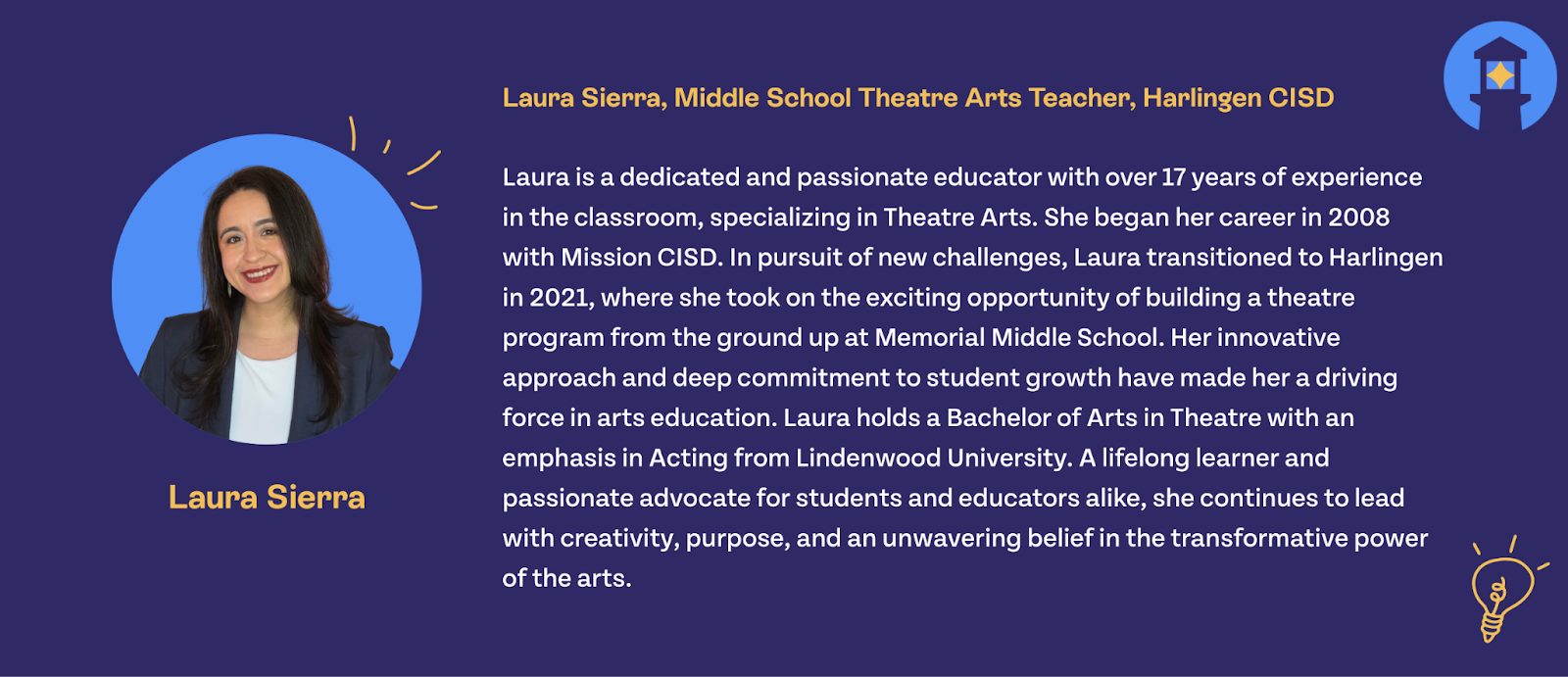
If you relate to any of Laura’s story, you’re likely one of millions of educators in this country who struggle to obtain, organize, and use their curricula. We created Beacon to take as much of the curriculum burden as possible off of our educators so they can spend more time building relationships with their students and delivering high-quality lessons.
For the rest of this blog, we want to break down some of the most important pieces of Laura’s story. If you’re interested in exactly how Beacon can help you get organized and stay organized, then keep reading! You can also hit the button below to get in contact with our team for your live, personalized demonstration.
It’s never been easier to get organized
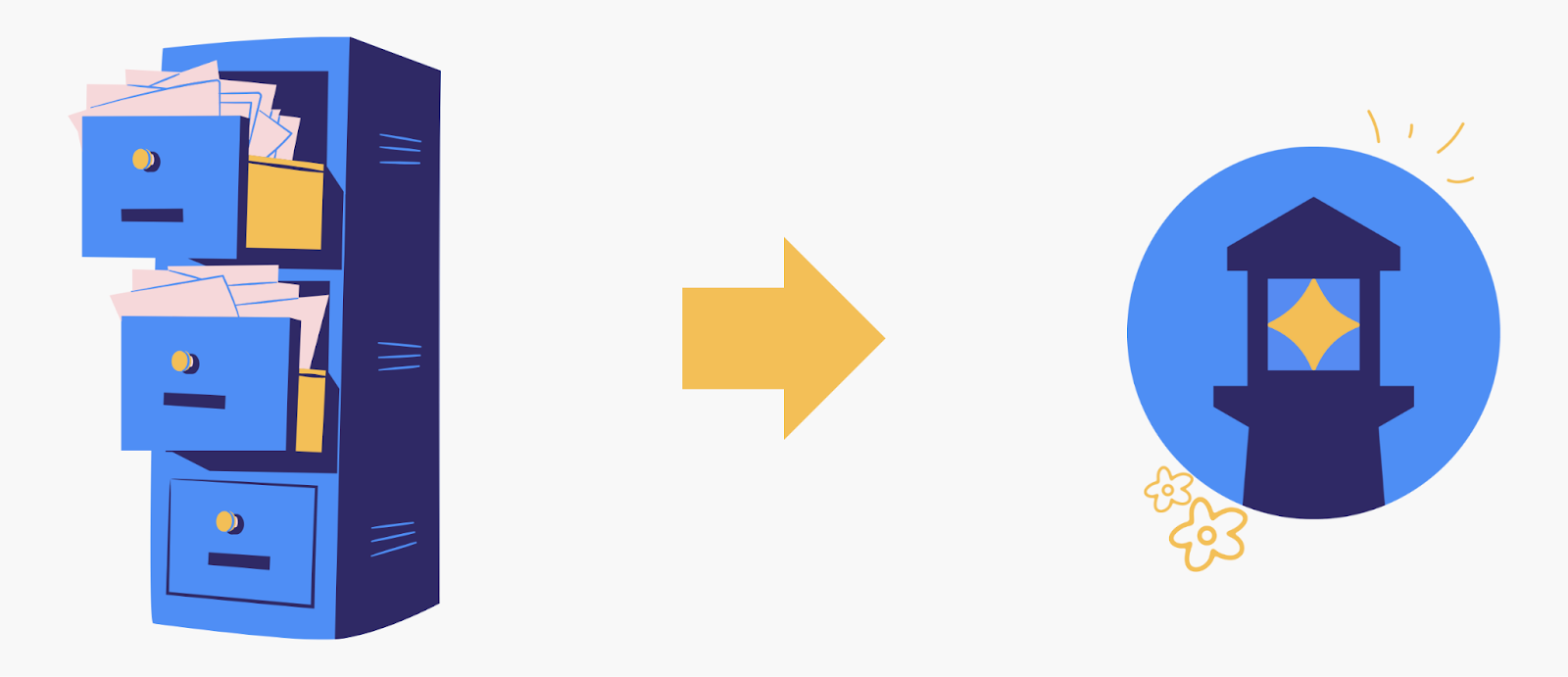
How many of you can relate to having embarrassing memories of your school days, a backpack stuffed with papers, and no organizational system to speak of? Personally, I had a folder system that kept each subject contained, dedicating a whole separate folder to homework. Did that help me remember my homework and prevent me from losing papers? Sometimes! But my system certainly wasn’t foolproof and often fell apart when I was stressed.
As Laura describes, your best intentions don’t always pan out long-term. This is especially hard for those Type-B, free-wheeling people who often take up positions as teachers due to their open-minded, loving spirits. If you self-describe as a disorganized person, rest assured that it’s not a personal fault or failing!
Every person needs tools to help them overcome their personal difficulties. Whether you struggle with organization or consider yourself a pro, managing your system can always get easier.
Beacon has several tools and features that enable you to customize and maintain your organizational system.
Welcome to your Resource Hub
We know. Google Drive seems to misplace resources like you lose socks to the dryer. Not to mention that you have to go to different applications in the Suite to find documents or slide decks.
“What did I name that thing?”
(Hint: It’s probably not what you think. Good luck finding it through search.)
“Was that resource a Google Doc or a PDF?”
(Surprise! It’s neither. It lives in Canva, and you’ll never find it.)
Staying digitally organized can be even more impossible than staying organized on paper, which is why many teachers choose to continue living their lives on printed copies. While paper is a great way to accommodate your busy schedules, you’ll end up losing whatever notes you take, modifications you make, and data you could gather from the lesson!
With the Resource hub, every resource type lives in the library, so it’s easy to find from day to day and from school year to school year. Plus, you only have to upload your resource once. Whether you decide to do it through the library or you attach resources straight to your lessons, you know it’ll live in Beacon forever.
You’ll also never have to worry about going back through your Drive at the start of a new year to see what you did last year! You can simply copy your course over to a new year and update resources as you go.
That brings us to our next great feature in Beacon: live syncing updates.
Live with certainty about which resource is the most updated version
Especially if you share resources, you may live in a world where each new version has a unique and bewildering naming system.
Lesson plan (1)
Lesson plan (1) - final
Lesson plan (1) - FINAL
Lesson plan (2)
And so on, and so on, ad infinitum.
With Beacon, this concern is a thing of the past! You and everyone who has access to a resource can update the resource in Beacon or in the location you linked the resource from (such as your Drive), and it will stay updated in both locations.
No more infinite copies of a single resource with minor spelling changes. Either make a copy for your own private library or share the resource with your teammates and update it together.
Stay in the application, and stay focused
How many times have you left a window to grab something from a different window, only to immediately forget what you were just doing?
When you change screens, you don’t just lose time in the transition; these switches can often chip away at your focus. We created Beacon to be your all-in-one solution, so you don’t have to keep juggling windows, log-ins, and multiple monitors.
Beacon has a multi-pane view for multi-tasking, so you can preview resources before you add them to a lesson or planner. Even better, when you want to add that resource, all you have to do is drag it from the curriculum explorer.
Yes, drag and drop.
You know what else you can drag and drop into your plans? Standards, strategies, and accommodations.
The magic of all of this isn’t just that everything you need to plan and deliver an impactful lesson is in one place. The magic is also that everything you put into Beacon helps you stay connected to your team, your administrators, and your future students. Centralization keeps your team accountable to progress, making it easier with every passing year to improve your practices, see what worked, and see how it impacted the students in your classroom.
It’s especially easy to see the impact of your planning when you can connect your curricula to assessments in Aware.
Customize your process while staying connected

Laura calls herself a Type-B agent of chaos. I’d call myself a cross between an aspiring librarian and a goldfish. Everyone is different. Some people are naturals at organization and have their own very involved systems. Some people need a little bit of help staying organized. Beacon is customizable, so you can make the application work for you.
Some of you will be working closely with your teams, so you may end up in a shared prep with your teammates, planning alongside them. In this case, you might do your individual planning in your unique prep, while dragging and dropping elements from the shared plans.
While your shared prep is connected to your team, your individual prep would help you maintain complete autonomy.
If this process doesn’t work for you, there are other options.
For example, your team could have one shared prep in which each teacher has their own block. Here are a couple of visualizations to help you see the difference:
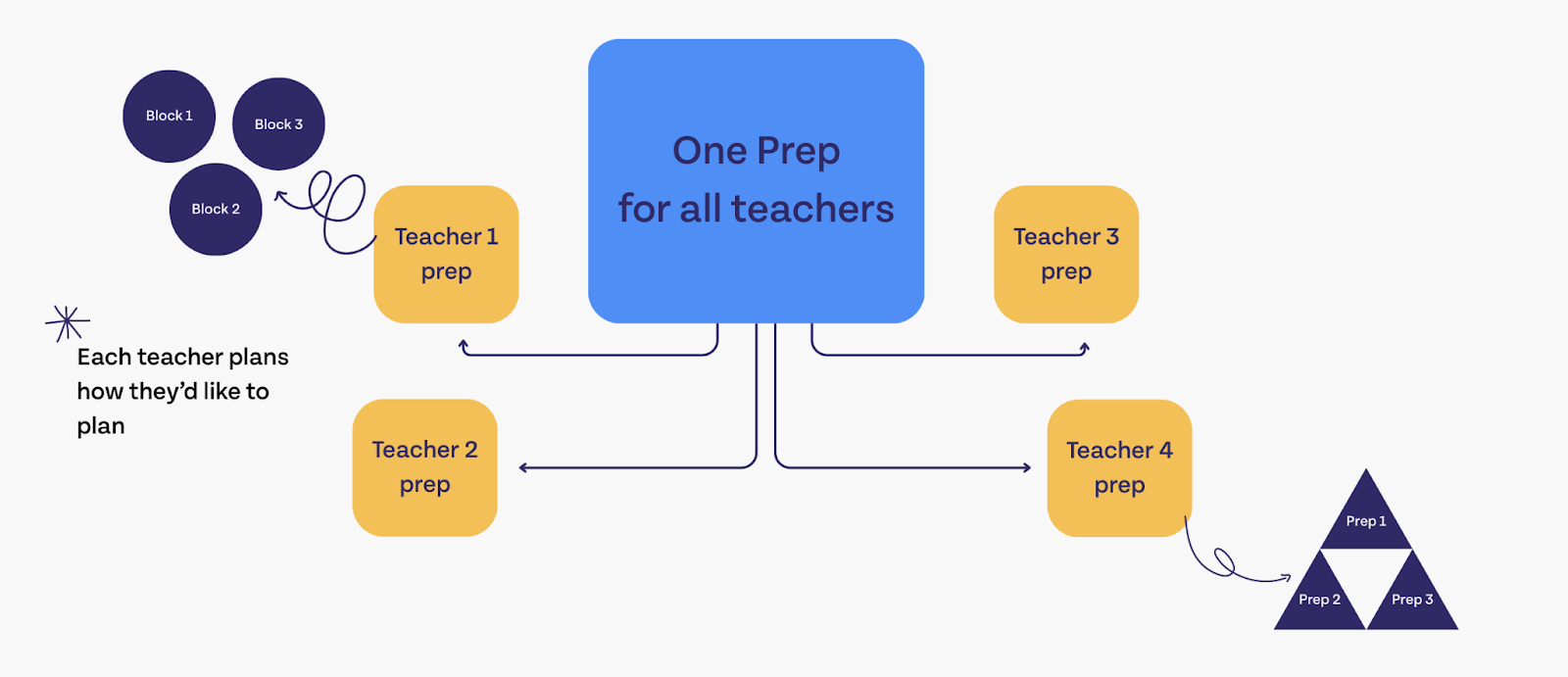
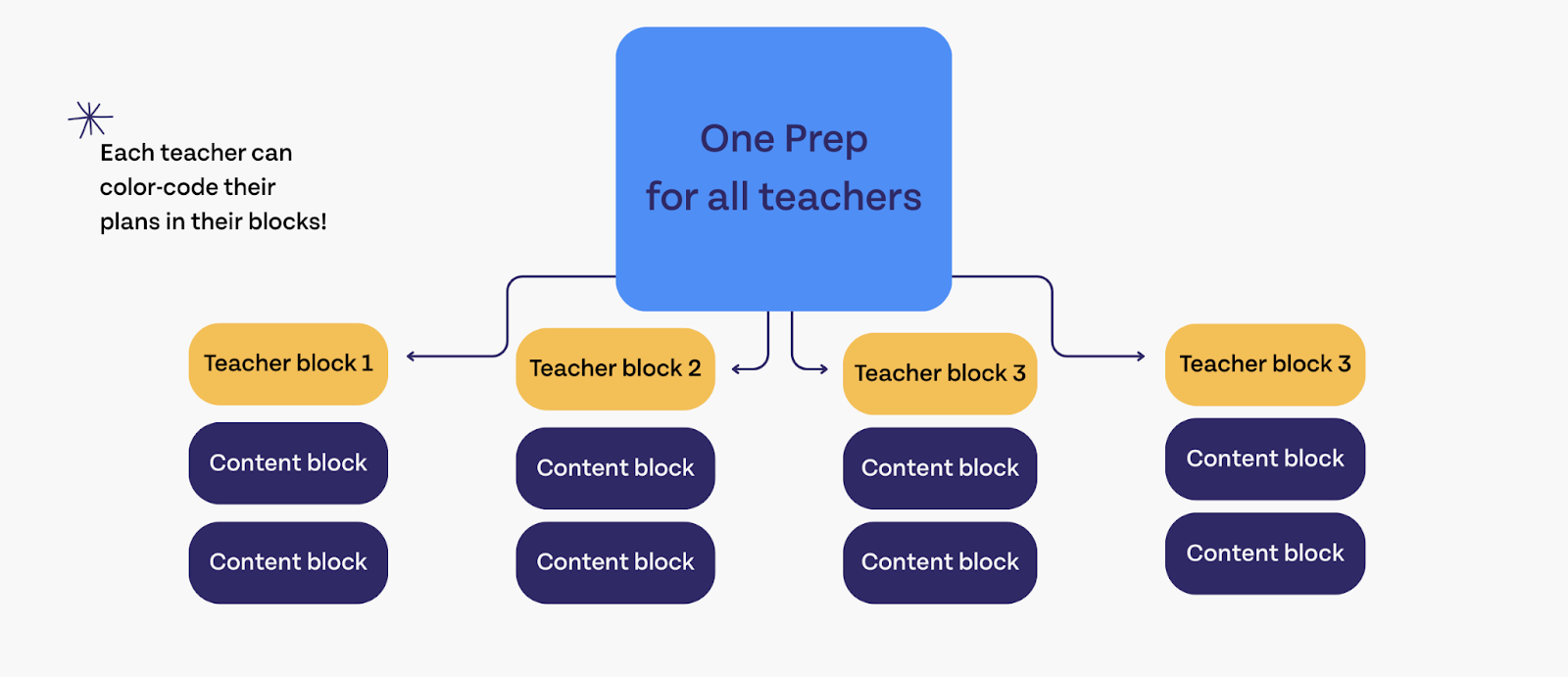
From there, you can continue to individualize your process, keeping your lessons and plans in blocks, preps, or documents that you attach to your planner. And, no matter which way you organize, you can color-code in a way that suits your process! If you color-code your resources blue, your feedback orange, and your lessons green, you can search the planner by color to locate exactly what you’re looking for.
Electives teachers will love Beacon’s options for multiple preps
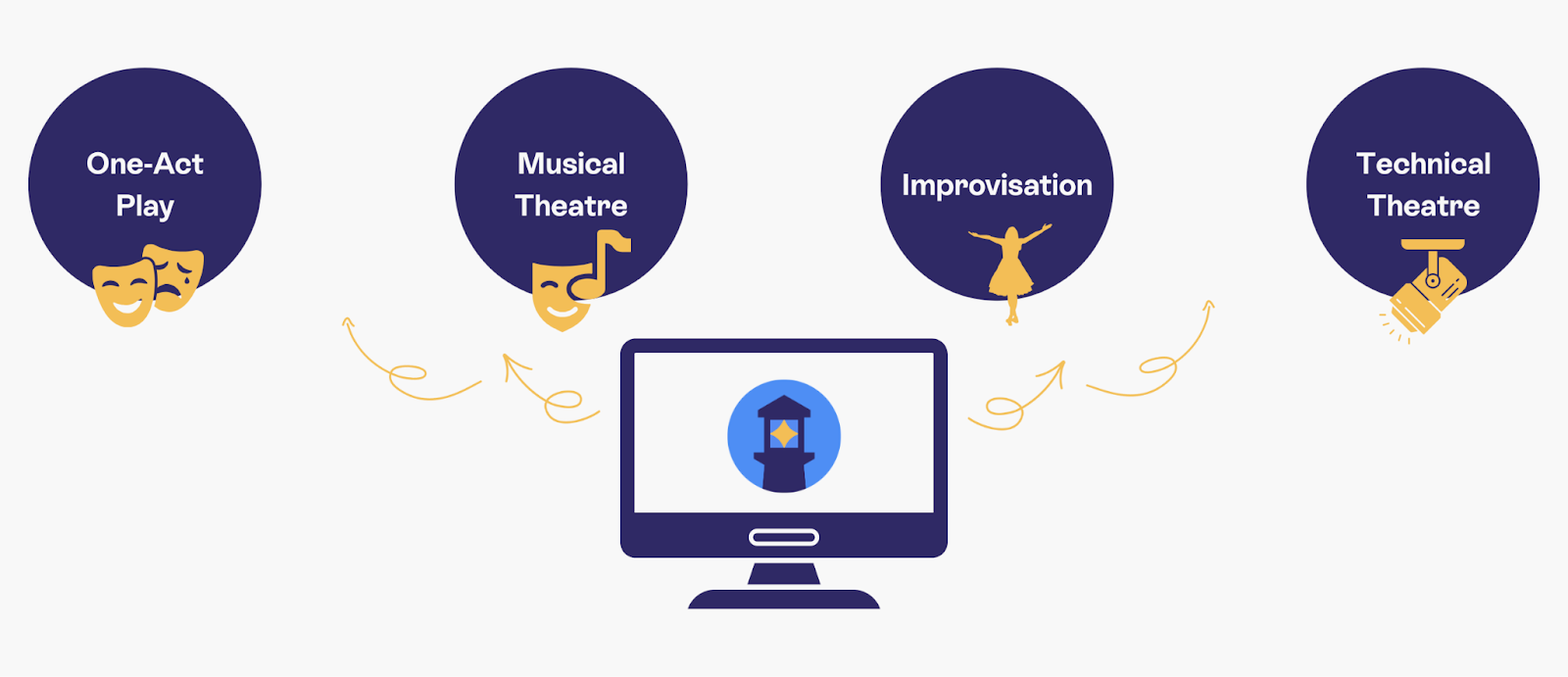
If you’re an Elective teacher like Laura, then you likely have multiple preps and few people to lean on in the planning process.
Beacon is great for Electives teachers because you can create a new prep for every class you teach, individualizing your curriculum per subject, period, and student. If you do use shared resources between your preps, it’s easy to keep those common resources in each new class.
If you are using pre-created curricula, then it’s easy to download and attach those resources to your lessons!
However, if you’re looking to connect with other like-subject teachers to create your own PLC, you can add any Beacon user to your planner to collaborate with!
Electives teachers don’t have to be an island. Beacon can connect you with other teachers, save you time, and lower your workload.
Connect with us
If you’re still here and are curious about what Beacon can do for you, hit the button below to see a virtual walkthrough! We’d love to hear from you and learn more about what you need as a planner. Subscribe to our newsletter, follow us on social media, or send us an email via the demo button at the bottom of the screen.



%20(1).png)
%20(1).png)
%202.png)
.png)